
How to stop receiving Newswire alerts and Marketing mailing from Physicsworld.com
1) Visit the physicsworld.com website and log in to your account.
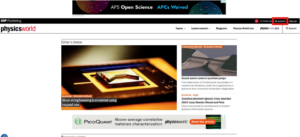
2) To Unsubscribe from News alerts that you have set up on your account, go the ‘My Alerts’ section of the Menu screen
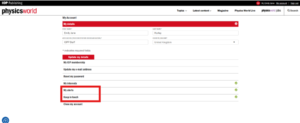
3) The next page allows to select and deselect the alerts that are of interest to you.
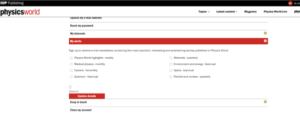
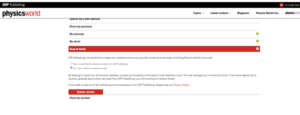
4) To Unsubscribe from the Marketing Mailing list go to the ‘Keep in touch’ section on the menu page, where you will be able to select ‘No, I don’t want to receive emails.’
5) Click Update details to save your changes
If you have any further questions, please contact our Customer Service team.