
As an LMS member, how do I access my content?
As an LMS member, you can access all your entitled content and our full archive through the IOPscience website.
How to access your LMS content
- Go to the IOPscience sign-in page.
- Enter the email address associated with your LMS membership.
- If you have not used IOPscience before, select Don’t remember your password at the bottom of the login page.
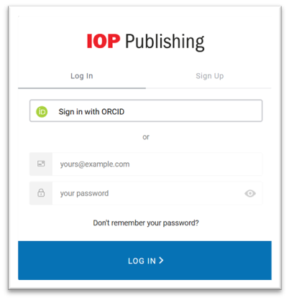
Once you have created your login credentials, you will be presented with a short form to complete your IOPscience user profile. You will only need to complete this on your first visit.
Need help?
If you need help accessing your subscription, please contact the Customer Service team at IOP Publishing.