
How to stop receiving Table of Content Alerts and Marketing emails from IOPscience?
1) Visit the IOPscience website and log in to your user profile.
2) You will see the ‘My IOPscience’ tab when you are logged in.
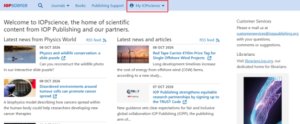
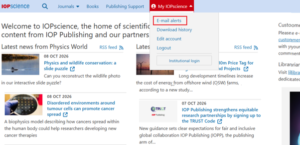
3) To unsubscribe from Table of Content and Search alerts go to ‘Emai alerts’ on the dropdown menu.
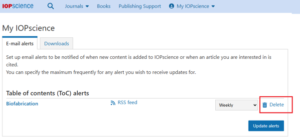
4) If you have any Table of Content alerts or Search Alerts set up, they will appear here and you will be able to change the frequency you receive them and delete them altogether should you wish to.
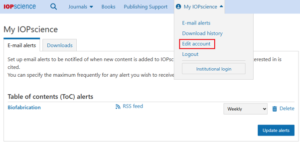
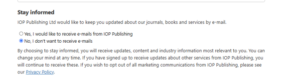
5) For ‘Marketing Mailings’ go to the ‘Edit account’ option from the drop-down menu
6) Locate the ‘Stay Informed’ section on the next page, where you will be able to choose ‘No, I don’t want to received emails’
If you have any further questions, please contact our Customer Service team.