
As an IOP Member, how can I access my content?
To access your related content on the IOP Publishing website, you will need to sign in to the IOP member portal which can be found on our Membership page. From here, you will be able to access our resources, manage your user profile and update or renew your membership.
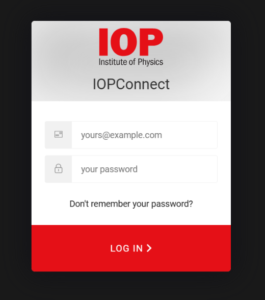
How to Link Your IOP Connect Profile with Your physicsworld.com Account
Follow the steps below to connect your IOP Connect member profile with your physicsworld.com user profile:
- Sign in to your physicsworld.com account
Head to your Physics World website and select Sign in at the top left of the page. - Open your account settings
Once signed in, choose My Account from the top left corner. - Access the IOP membership section
In the menu that appears, select My IOP membership (this is the second option in the list). - Start linking your accounts
Tick the box labelled ‘I am a member of the Institute of Physics (IOP)’.
The green Next button will change to Link my accounts – click this. - Enter your IOP Connect details
You’ll be prompted to sign in using your IOP Connect
These are the same details you use to access your IOP membership account and the digital Physics World magazine.
If you have any issues logging in, please contact our Customer Service team.